Showing posts with label Shortcut. Show all posts

Sunday, May 16, 2021

Five Ways to open CMD Command Prompt with admin previlages


The slow way to open this essential power user's tool is to dig through the Start menu (Start > Windows System > Command Prompt). Here are a handful of faster ways that also give you control over startup folders and whether you run the command session as an administrator.

1.Right-click Start and choose Command Prompt or Command Prompt (Admin) from the Quick Link menu. You can also use keyboard shortcuts for this route: Windows key + X, followed by C (non-admin) or A (admin).

2.Type cmd in the search box, then press Enter to open the highlighted Command Prompt shortcut. To open the session as an administrator, press Ctrl+Shift+Enter.

3.From File Explorer, click in the address bar to select its contents; then type cmd and press Enter. That opens a non-admin Command Prompt session in the current folder.

4.In a File Explorer window, hold down Shift as you right-click on a folder or drive. That opens a non-admin Command Prompt session in the selected location.

5.Type cmd in run command box, then press Enter to open the highlighted Command Prompt shortcut. To open the session as an administrator, press Ctrl+Shift+Enter.

If you're a PowerShell user, you can open a Command Prompt session from PowerShell by typing cmd and pressing Enter. To return to PowerShell, type exit and press Enter.

Friday, April 3, 2020

Word Shortcut Keys From A to Z

Shortcut keys are easier to use and save the maximum time while editing the document and makes us look like as pro.Lets looks the all the shortcut keys used in the word that can be useful while using the word document.

Ctrl + A = Select all the text in the word
Ctrl + B = Makes the selected word Bold
Ctrl + C = Copy the selected text to be paste
Ctrl + D = Opens the font dialog box
Ctrl + E = Makes the text alignment center
Ctrl + F = To find anything in word
Ctrl + G = Go to option to go to required page
Ctrl + H = Find and replace text
Ctrl + I =  Makes the selected text Italic
Ctrl + J = Justify the paragraph where cursor is placed
Ctrl + K = Makes  the hyperlink text
Ctrl + L = Left alignment
Ctrl + M = Paragraph Indent i.e Gives space in left side of the paragraph
Ctrl + N = Opens new document file
Ctrl + O = Open the open dialog box to choose the file you want to open
Ctrl + P = Print the document
Ctrl + Q = Removes the paragraph indent
Ctrl + R = Right alignment
Ctrl + S = Save the file
Ctrl + T = Hanging indent i.e leaves the first line of paragraph and shift all other line to right
Ctrl + U = Underling the text
Ctrl + V = Paste the copied text
Ctrl + W = Close the open file
Ctrl + X = Cut the selected text
Ctrl + Y = Redo for forward action
Ctrl + Z =Redo for backward action

Top Five Browser

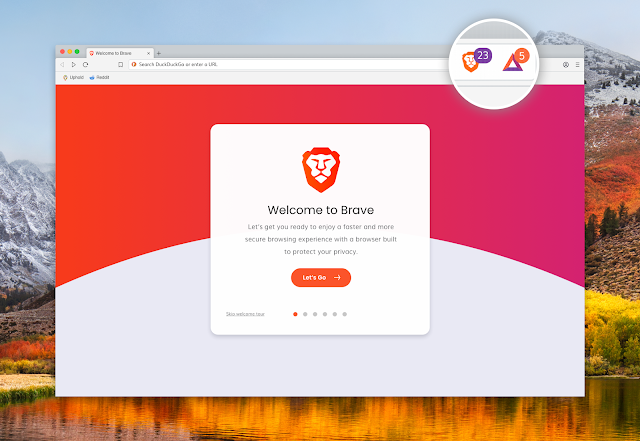
1 . Brave Browser Brave  Browser   is one of the best browser in the list even it is similar to all other browser because it has one of ...