Showing posts with label Youtube. Show all posts

Monday, February 17, 2020

How To Block Ads Permanently On Youtube

Everyone is surfing internet daily and they are engaged with internet all the time.Many companies provide free service to the users even they have to pay for the maintenance ,equipment and manpower. They earned money by the advertisements which is the main source of their company.We can take example as Youtube , Facebook ,Instagram etc.

 But sometimes users like us do not like ads that comes in. We want to enjoy the content with out ads. And then Question arise   How To Block Ads Permanently ? 

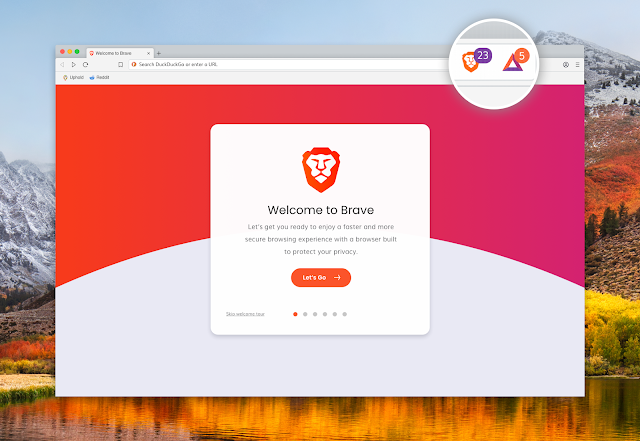
 There are different ways to block the ads on your browser like adding ad-blocks in browser.But some ad-blocker stops working or tells to upgrade the premium version which may be expensive.The permanent solutions is Brave Browser which has in-built ad-blocker.
Brave Browser


You can permanently block all the ads which comes while surfing the internet.To Download Goto Brave Browser .

How To Block Ads On Youtube?

 Now we are able to block the in the browser but how to block on youtube ?


 Well we can block all the youtube ads by downloading youtube vanced application for android phones.Just click on the link to download Youtube Vanced
After that you need to download MicroG software to support this app.You can click on image or given link below the image.
MicroG

Click Here   Download Micro-G 

Now the youtube without any ads .You can watch video also to know to use these application.


Thursday, February 13, 2020

How To Create New Channel From Same Email Or Same Account

Most of people have only one email which they have been using from long time and most of them create youtube channel on their interest. A single channel should contain similar type of the content.

This creates a problem when people have content on different contents which cannot be kept in single channel.And most of people do not want to create more email address. Now you can create more channel according to your content from single account or single email address.

1. Goto the browser and open youtube.com and sign in by clicking the singin button as shown in the below fig.


2. Use your email from which you want to make youtube channels.
3. After that click on the account icon and go to the setting of the account. You can follow the step in image as below.


4. Now you will the option add or manage you channels as in the figure.Click on that


5. Click on the create new channel.


6. Fill the details of your channel and click on create .


Top Five Browser

1 . Brave Browser Brave  Browser   is one of the best browser in the list even it is similar to all other browser because it has one of ...